
AI Controls Matrix Template for Internal Teams in 2026
Internal AI moves faster than policy. A team adds a chatbot, a code assistant, or a document summarizer, and the control gap opens before anyone notices.
An AI controls matrix closes that gap by tying each risk to an owner, an action, evidence, and a test. In 2026, that matters more because governance now covers model oversight, privacy, security, third-party risk, and accountability.
If you work in audit, compliance, security, IT governance, or operations, this guide gives you a practical template for internal teams. It is built for real work, not slideware.
Why internal teams need an AI controls matrix now
Internal AI often starts with a simple win. HR wants faster summaries. Finance wants help with invoice triage. IT wants a better ticket assistant. Then the use cases spread, and nobody has a clean view of the controls.
That is where the trouble begins. One team logs prompts, another team does not. One vendor gets a privacy review, another slips through procurement. One model gets tested before release, another is changed through a quick prompt edit with no record.
A matrix gives you one place to see the risk, the control, the owner, the evidence, and the testing method. That makes it easier to answer the questions auditors ask first, like who approved this use case, what data went in, and how do you know the control worked.
It also helps teams speak the same language. Security cares about access and logging. Privacy cares about data use and retention. Compliance wants proof. Operations wants speed. A good matrix gives each group a shared view.
For a broader governance lens, the OECD AI Governance Playbook is a useful reference. It turns responsible AI into operational directives that fit real organizations.
The Cloud Security Alliance’s AI Controls Matrix is another useful benchmark. Its 243 controls show how detailed the subject can get when a program is mature. For most internal teams, the goal is simpler, start with the controls that match your highest risks and your most visible use cases.
What belongs in the template
A good matrix is a working record, not a policy binder. Each row should describe one control in plain English. If someone outside the team reads it, they should know what the control does and how to prove it happened.
Use the same core fields across the whole matrix. That keeps the document readable and audit-friendly.
- Control domain tells you where the control belongs, such as governance, privacy, security, or monitoring.
- Risk names the failure you want to stop, like data exposure, bias, model drift, or unauthorized use.
- Control objective states the result you expect.
- Control activity describes the actual task, check, or review.
- Owner names the role responsible, not a person who might leave next quarter.
- Evidence shows what proves the control ran.
- Frequency explains how often the control happens.
- Testing method tells audit or second-line review how to check it.
Write the control activity as a verb plus a clear object. “Review training data for sensitive fields before model refresh” is better than “privacy review.” “Approve vendor access before deployment” is better than “vendor check.” The more direct the wording, the easier it is to test.
If a row has no owner, no evidence, and no test, it is a wish, not a control.
You can add extra fields if your program needs them, such as risk tier, applicable policy, system name, or regulatory mapping. Still, keep the core columns stable. A matrix becomes hard to use when every team adds its own version.
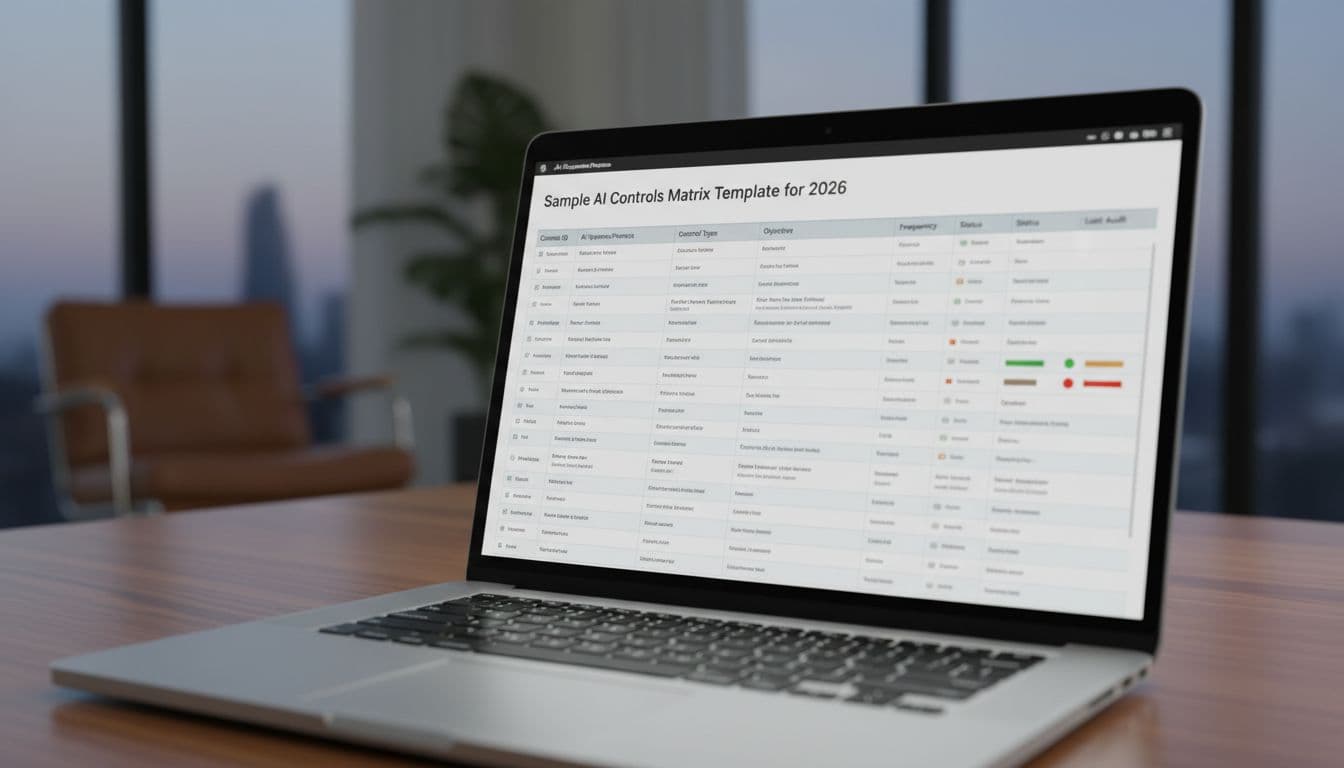
Sample AI controls matrix template for 2026

A starter matrix works best when it is tied to internal use cases, such as an HR assistant, a finance copilot, an IT help desk bot, or a code assistant with repo access. The rows below are written for those kinds of teams.
| Control domain | Risk | Control objective | Control activity | Owner | Evidence | Frequency | Testing method |
|---|---|---|---|---|---|---|---|
| Governance and approvals | Shadow AI or unreviewed deployment | Every AI use case has a named owner and approval path | Maintain an inventory, classify the use case, and require signoff before production use | Business owner, risk lead | Inventory entry, approval record, model card | At intake and quarterly review | Sample new items and trace them to approval |
| Data and privacy | Sensitive employee or company data exposure | Inputs and outputs follow data-minimization rules | Block restricted data, mask fields, and complete privacy review before use | Privacy lead, data owner | Data classification record, DPIA, masking logs | Before launch and after material change | Walkthrough and sample-based trace testing |
| Model oversight and quality | Bad answers, bias, or hallucinations | The model meets agreed quality and fairness thresholds | Run test sets, red-team prompts, and benchmark checks before release | AI product owner, QA lead | Test report, red-team notes, approval memo | Before release and after major update | Reperform tests and compare results |
| Human review and escalation | Overreliance on AI in high-impact work | People review outputs before action in sensitive internal tasks | Require signoff for HR, finance, legal, or security decisions | Process owner | Signoff log, exception list, case notes | Per case | Sample file review and approval trace |
| Access and security | Prompt injection, unauthorized access, or secret leakage | Only approved users and safe configurations can use the tool | Enforce SSO, role-based access, secret vaulting, and content filters | IT security | Access list, config export, vault log | Continuous, reviewed monthly | Access sampling and configuration review |
| Third-party risk | Vendor data use, weak retention, unclear training terms | Third-party use meets security, privacy, and contract rules | Review contract terms, security reports, and subprocessors before onboarding | Procurement, vendor risk | Due diligence file, contract, review memo | Onboarding and annual review | Document review and control design test |
| Logging, monitoring, and incidents | Drift, harmful output, or repeated failures go unseen | Issues are detected, escalated, and fixed fast | Monitor outputs, set alert thresholds, and follow an incident playbook | Operations, AI owner | Dashboard, alert log, incident tickets, postmortem | Weekly review and on incident | Trend review and incident trace |
The point of the table is not to cover every possible risk. It is to show how a matrix works when it is practical. Each row can live inside an inventory, a GRC tool, or a controlled spreadsheet, as long as the ownership and evidence are easy to find.
Control domains that matter most in 2026
A matrix gets stronger when it reflects the risks people actually face. In 2026, the biggest gaps usually sit in governance, privacy, security, third-party oversight, and monitoring after launch.
Governance and accountability belong at the top. Every internal AI use case needs a named owner, a clear approval step, and a documented risk tier. That matters for tools used in hiring, finance, access decisions, policy drafting, and code review. Stanford Law’s controls for responsible AI is a good example of how high-level principles become testable controls.
Privacy and data handling come next. Internal teams often assume low risk because the tool is not customer-facing. That is a mistake. Employee data, payroll details, ticket content, source code, and internal strategy notes can all create exposure if prompts or logs are handled badly. A good control domain here covers data classification, input filtering, retention, and deletion.
Security and model oversight should sit side by side. Security controls protect access, keys, prompts, and system settings. Model oversight checks whether the tool still works as expected after updates, prompt changes, or data drift. That is especially important for internal copilots that influence decisions but do not make the final call.
Third-party risk also matters more in 2026. Vendors change terms, update hosting regions, revise subprocessors, or adjust how they use data. If a supplier can train on your prompts or keep logs longer than your policy allows, your internal matrix needs a row for that risk.
Finally, monitoring and incident response keep the matrix alive after go-live. A model that worked in testing can fail once real staff start using it. Output monitoring, alert thresholds, and incident handling give you a way to spot problems early and document what happened.
Ownership, evidence, and testing that auditors can follow
The easiest matrix to review is the one with clear ownership. One row should map to one accountable role. That role can delegate work, but it should not disappear into a committee.
Use role names instead of employee names. “Finance operations lead” survives turnover. “Sarah” does not. The same logic applies to backups. Every critical control should have a backup owner in case the main owner is out or has moved on.
Evidence should come from systems, not memory. Good evidence includes approval records, test reports, access logs, change tickets, vendor assessments, red-team notes, incident tickets, and monitoring dashboards. Screenshots are fine in small doses, but they should not carry the whole control.
Audit testing becomes easier when the matrix separates design from operation. Design asks whether the control is written well and points to the right risk. Operating effectiveness asks whether the control ran during the period tested. A monthly access review, for example, should leave a dated record that a reviewer can sample.
A simple example helps. If finance uses an internal invoice copilot, the owner might be finance operations. The evidence could be weekly exception reports and review notes. The test could be a monthly sample of ten invoices to confirm that exceptions were reviewed and signed off.
If the control is automated, keep the rule, the config, and the log output. If the control is manual, keep the checklist, the approval, and the date. Either way, the evidence should let someone recreate the decision later.
Common mistakes that weaken the matrix
Many matrices fail for the same few reasons. The good news is that each problem has a clear fix.
- Some rows read like policy statements. They talk about intent, but they do not describe a task.
- Some controls are too vague. “Check AI output” does not tell anyone what to check or how often.
- Some teams forget vendor tools and shadow AI. That leaves a false sense of coverage.
- Some matrices treat one approval as permanent. AI tools change, so approvals should expire or trigger review after major changes.
- Some rows skip evidence. Without proof, the control cannot survive audit.
- Some teams rely on manual memory instead of a record. That works until people leave or workloads spike.
If a control cannot be tested, it cannot be trusted.
The fix is simple. Write each row as a clear action, tie it to one owner, and name the proof. Then test it the same way you would test any other business control.
Keeping the matrix current through 2026
AI changes often, so the matrix should change with it. A model update, a new vendor, a new data source, or a new prompt pattern can change the risk profile overnight.
Set a steady review rhythm. Review new use cases at intake. Check active controls on a monthly or quarterly basis, depending on risk. Reassess immediately after a model change, a vendor change, a major data change, or an incident.
The OECD due diligence guidance for responsible AI is useful here because it follows a familiar path, identify the risk, assess it, then prevent and mitigate it. That flow fits well with an internal matrix review cycle.
Keep a log of exceptions and incidents. Exceptions show where the process bends. Incidents show where it breaks. Both are useful, because they tell you where to update a row, add a new control, or retire one that no longer fits.
A short update list works well for busy teams:
- New AI use case added
- Model or prompt logic changed
- Vendor terms or hosting changed
- Sensitive data scope changed
- Incident, near miss, or failed test recorded
- Policy, legal, or regulatory change landed
If your team can keep those triggers visible, the matrix stays useful. If not, it turns into a file nobody trusts.
Conclusion
An internal AI program needs more than a policy and a dashboard. It needs a controls matrix that ties each use case to a risk, an owner, a proof point, and a test.
That is the real value of the template. It turns vague AI activity into a process people can review, audit, and improve without guesswork.
When your matrix reads like a working tool, not a forgotten document, your team can answer the hard questions fast. That is what good governance looks like in 2026.