Are You Willing to Have AI Review Your Application? Read This First
Handing your resume or personal statement to an AI can feel like asking a stranger to proofread your diary. Helpful, maybe. Risky, sometimes.
The bottom line: AI application review works best as a smart editor, not a ghostwriter. It can spot weak bullets, unclear structure, and missing keywords fast. Still, it can also push you into generic phrasing, accidental policy violations, or privacy mistakes if you paste in the wrong details.
This guide walks you through what AI is good at, what to avoid, and a simple way to decide how far to go.
What AI application review can fix fast (and what it can’t)
AI is great at pattern checks. Think of it like a bright flashlight in a messy closet. It shows what’s out of place, but it doesn’t decide what you should keep.
Here’s what tends to improve quickly with AI review:
- Clarity and structure: It can flag long sentences, weak openings, and vague claims.
- Resume impact: It can suggest stronger verbs and tighter bullet points.
- Keyword alignment: It can compare your resume to a job posting and spot missing skills you actually have.
- Tone control: It can make a cover letter sound more confident, or less stiff.

If you want a sense of what specialized resume reviewers look for in 2026, skim a comparison like AI resume reviewer tool options for 2026. Even if you don’t use those tools, the criteria (ATS readability, keyword fit, and measurable outcomes) are useful.
What AI can’t do safely on its own:
- Verify facts: If you say you led a team of 12, AI won’t know if it’s true.
- Read your real intent: It may “improve” a story by changing what it means.
- Guarantee policy compliance: Schools and employers vary, and rules change.
Treat AI feedback like feedback from a rushed friend. You still own the final call.
The two big risks: your data and your credibility
When you paste application materials into a chatbot, you may be sharing more than words. You might be sharing addresses, company names, student IDs, client details, or a unique life story that identifies you.
Start with privacy. Many AI tools keep logs for quality, safety, or future training, depending on settings and account type. A practical overview of common risks and protections is in AI and privacy safeguards. Read enough to answer one question: “If I paste this, who else could access it later?”
Second, credibility. AI can create two problems fast:
- Accidental plagiarism: Over-edited essays can start sounding like everyone else’s.
- False or inflated claims: AI suggestions can add numbers, tools, or leadership claims you didn’t earn.
Keep this rule: AI can help you describe your experience, but it must not invent it.
For students, policy risk matters too. Some programs allow limited AI editing, others require disclosure, and some ban it. Policies can be very specific, so check the exact guidance for each school. For example, Caltech posts ethical use of AI guidelines for applicants. Even if you’re not applying there, it’s a good model of what schools may expect.
If you wouldn’t hand a document to a stranger in a coffee shop, don’t paste it into an AI tool without redacting it first.
How to use AI safely and keep your real voice
The safest approach is “minimal data, maximal feedback.” You want strong notes back, with as little personal detail shared as possible.

A simple workflow that works for jobs and school
- Decide what you’re reviewing (resume bullets, cover letter fit, essay clarity), not “everything.”
- Redact sensitive info first: replace names with (Company A), delete addresses, remove student IDs, and strip client details.
- Paste smaller chunks: one section at a time, not your whole file.
- Ask for critique, not replacement: request options and explanations.
- Verify every claim: metrics, timelines, titles, awards, publications.
- Do a final “voice pass”: read aloud, then rewrite any line you wouldn’t normally say.
If you’re unsure which AI provider is more privacy-friendly, use third-party comparisons as a starting point, not gospel. A current example is the AI provider privacy scoreboard, which highlights differences in retention and training defaults.
Copy-paste prompts (designed to avoid generic output)
Use these prompts as written, after you redact:
“Review this resume section for clarity and impact. Don’t rewrite it fully. Give: (1) the 3 biggest weaknesses, (2) 3 alternate bullet options that keep my facts, (3) any missing context I should add. Ask me questions if needed.”
“Here’s the job description and my current cover letter paragraph. Point out mismatches, vague lines, and repeated ideas. Suggest edits that keep my tone. Don’t add skills I didn’t mention.”
“Check this personal statement for structure and authenticity. Flag any sentence that sounds generic or overly polished. Suggest where I should add one concrete detail or reflection, without changing my meaning.”
One more prompt helps protect you from accidental exaggeration:
“List every claim here that needs proof (numbers, leadership, awards, tools). For each, ask what evidence I can cite or whether I should soften the wording.”
Decision framework: should you let AI review your application?
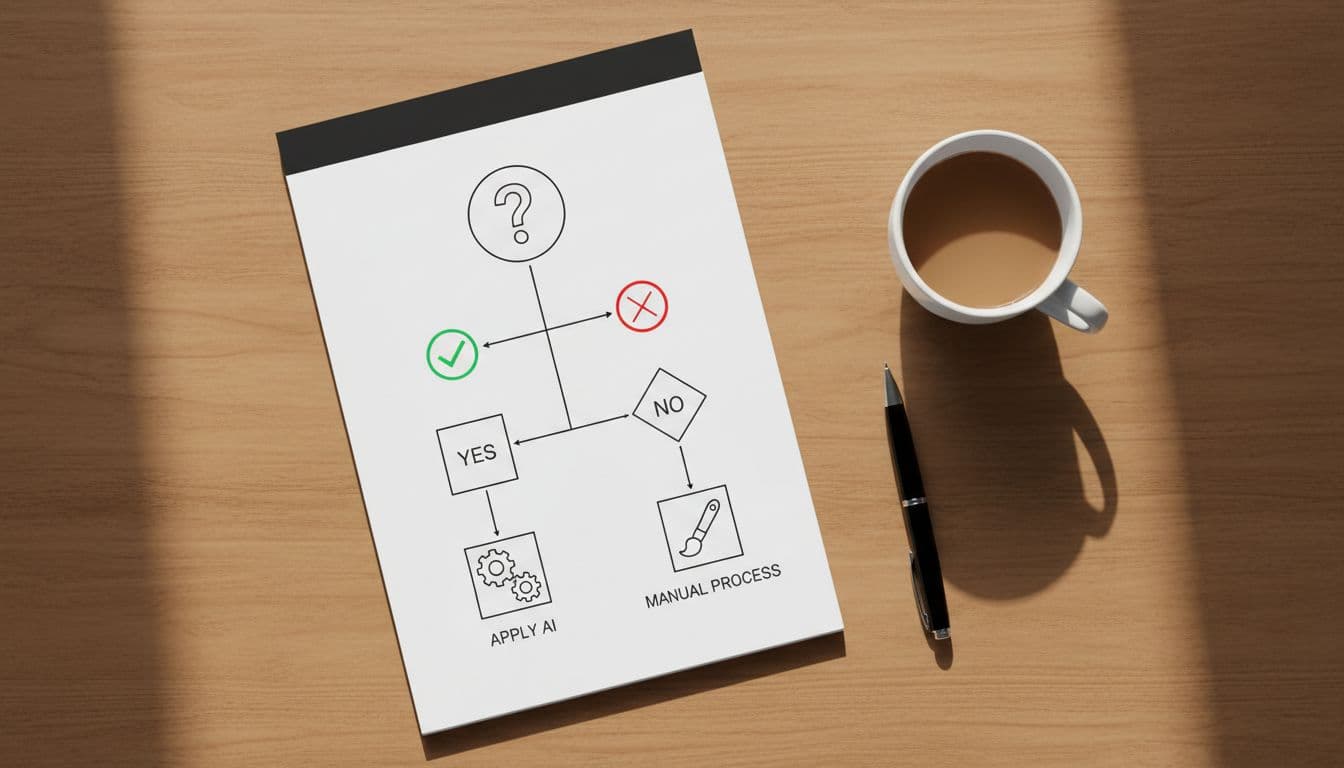
Use this quick framework before you paste anything:
| Your situation | Use AI application review? | Safer move |
|---|---|---|
| You can’t share identifiable details (client work, minors, protected research) | Usually no | Use offline editing, or paste only anonymized excerpts |
| A school or scholarship bans AI writing help | Only if allowed for proofreading | Follow the policy, keep drafts and revision history |
| You struggle with structure or grammar | Yes, with guardrails | Ask for critique and options, keep original phrasing where possible |
| You’re tempted to “sound more impressive” | No | Rewrite in your own words, keep claims verifiable |
| You’re using voice or video tools for practice | Maybe | Avoid uploading real interview recordings with personal data |
AI review is the safest when it stays in the lane of coaching and editing.
Before you hit submit, do one last read and ask: does this still sound like me? If not, pull it back toward your natural voice. That authenticity is hard to fake, and easy to recognize.
End-of-draft checklist (quick and practical)
- I removed or replaced names, addresses, IDs, and client details before sharing.
- I asked AI for critique and options, not a full rewrite.
- I checked school or program rules (and disclosure rules, if any).
- I verified every number, tool, title, date, and award.
- I removed any sentence that sounds generic or “too perfect.”
- I kept my strongest specific examples, even if they feel less polished.
- I saved my original draft and tracked what changed.
- I read the final version out loud, and it still sounds like me.
- I can explain every line in an interview without stumbling.