
AI System Inventory Template for Internal Teams in 2026
Most companies can list their laptops faster than their AI systems. In 2026, that gap is risky.
By August 2, 2026, EU AI Act transparency and high-risk duties are scheduled to apply, and US teams also face state rules and agency scrutiny. A solid AI system inventory template gives legal, security, risk, privacy, and ops one shared record.
Think of it as an asset register for AI. Once you can see the systems, you can assign owners, track versions, and review real risk.
Why 2026 made AI inventory a core control
If someone asks which chatbot touches customer data, or which copilot sends prompts to a third party, you shouldn’t need a week. You need one source of truth.
That matters because AI now shows up in small tools, vendor add-ons, pilots, and side projects. Shadow AI is often the real gap, not the flagship model. The OECD AI Governance Playbook is a useful cross-check because it ties accountability to risk, privacy, and incidents.
An inventory also fixes a common internal problem. Procurement may know the vendor. Engineering may know the model. Legal may know the policy. Yet nobody sees the whole system in one place.
Your register should cover both built and bought systems. That includes internal copilots, document extraction flows, predictive models, and vendor tools with embedded AI. For EU-facing use cases, AktAI’s guide to AI systems inventories also makes the case for shadow AI discovery and regular updates.
If a system isn’t in the inventory, it’s outside your controls.
The goal isn’t paperwork. The goal is faster decisions, clearer ownership, and cleaner audit trails.
A practical AI system inventory template you can copy
Keep one master register. Each row should represent one AI-enabled system or workflow, not one software contract. A support bot, an invoice extraction flow, and a churn model each need their own row.
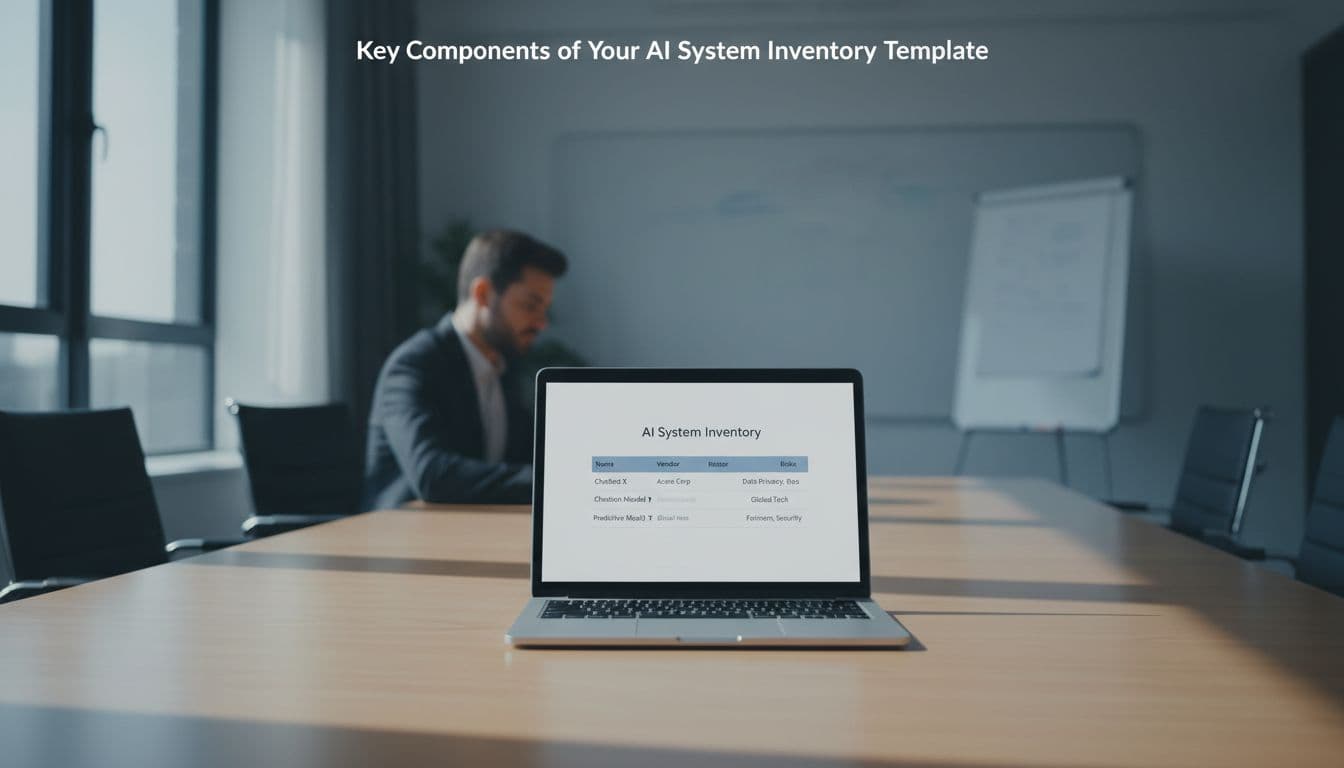
Recommended fields
Start with these columns in your sheet:
| Field | What to record |
|---|---|
| System ID | Stable unique ID |
| System name | Plain-English name |
| Use case | Business purpose |
| Owner | Business owner and technical owner |
| Build type | In-house, vendor, or hybrid |
| Model/version | Model name, prompt set, workflow version |
| Data used | Data classes and source systems |
| Risk tier | Low, medium, high, with reason |
| Controls | Human review, privacy, security, logging |
| Status/review | Pilot, live, retired, last review, next review, evidence links |
Don’t over-design the first version. Ten strong fields beat thirty ignored ones. Start in a spreadsheet or GRC tool, then add automation later.
Example entries
Here is a compact example your team can adapt:
| ID | System | Owner | Data used | Risk tier | Status | Notes |
|---|---|---|---|---|---|---|
| AI-001 | Customer support chatbot | Support Ops | FAQs, order data, limited PII | Medium | Live | Vendor-hosted, human handoff required |
| AI-014 | Sales copilot | RevOps | CRM notes, emails | Medium | Pilot | Prompt version locked, no external sharing |
| AI-022 | Invoice document processing | Finance Ops | Invoices, bank details | High | Live | Approval before posting |
| AI-031 | Churn prediction model | Data Science | Usage and contract data | High | Live | Monthly drift and fairness review |
Treat embedded AI features as separate rows when they touch sensitive data, automate actions, or affect customers or employees. For another practical structure, see Move78’s AI system inventory guide.
How to keep the inventory useful after launch
A template fails when it lives only with compliance. It works when intake, procurement, engineering, security, privacy, and ops all touch the same record. That’s what cross-functional ownership looks like in practice.
Give each row three named roles: a business owner, a technical owner, and a control owner from risk, privacy, or security. Then set review cadence by risk. Low-risk internal copilots may need quarterly review. High-impact models often need monthly checks, plus change-based updates.

Update a row when:
- a new model, prompt pack, or agent workflow goes live
- the system starts using new data, especially PII, PHI, or secrets
- a vendor, hosting region, or subprocesser changes
- an incident, bias issue, or drift finding appears
Versioning matters more than most teams expect. If the prompt changed, the system changed. If the vendor swapped the underlying model, the system changed. Log the date, approver, test result, and rollback path.
This is also where vendor management and lifecycle discipline meet. For bought systems, capture the contract owner, security review date, DPA status, training and retention limits, and incident contacts. For internal systems, link validation results, human oversight rules, deployment approvals, and retirement dates. The ISO governance summary is helpful here because it connects oversight to lifecycle controls.
An audit-ready row should point to evidence, not opinions. Link risk assessments, vendor questionnaires, privacy reviews, red-team notes, approval tickets, monitoring dashboards, and prior incidents. If an auditor asks for the last review, the owner, the active version, and the control evidence, you should have it in minutes.
Most AI problems don’t start with a model bug. They start with not knowing what exists.
A living AI system inventory template turns scattered pilots into governed systems with owners, versions, review dates, and evidence. That’s what makes internal adoption safer, faster, and easier to defend in 2026.